
MCS 350 · Artificial Intelligence and Human Communication · Fall 2026

Student Made Chrome Extensions

Lehman College · Instructor: Jonah Brucker-Cohen

Extensions built by the class for the Chrome Extension Jam — each one made by a student in MCS 350. Click a screenshot to see it larger, download the extension, and try it in Chrome.

How to install an extension

  1. Click Download .zip on a card below.
  2. Unzip the file somewhere on your computer.
  3. In Chrome, open chrome://extensions and turn on Developer mode (top right).
  4. Click Load unpacked and choose the unzipped folder.
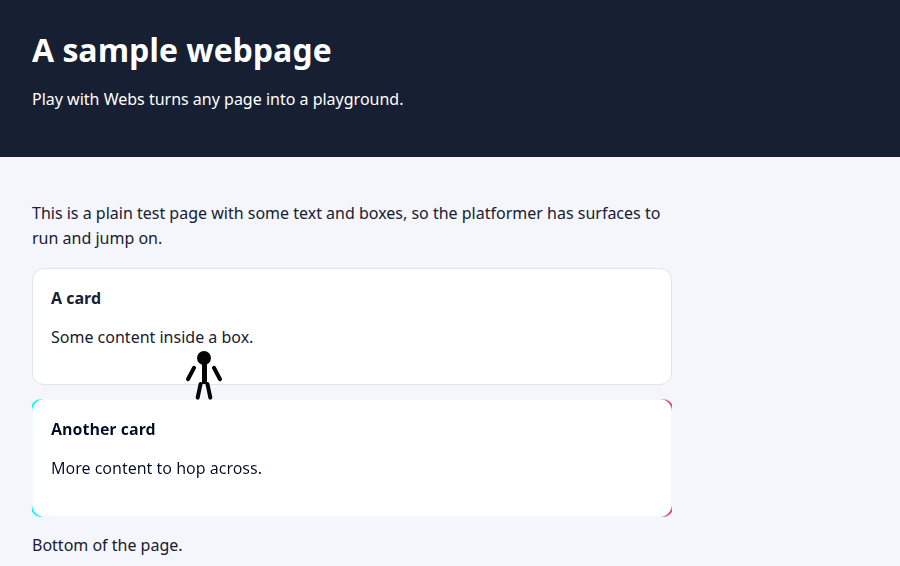
Play with Webs running on a test page — the platformer character standing on page content

Christopher Huerta

Play with Webs

v1.1.0

Turn any webpage into a platforming playground. Run, look, crouch, and jump across page content while everything you touch glitches.

No popup — the game runs on the page itself. Screenshot: the game running on a test page.
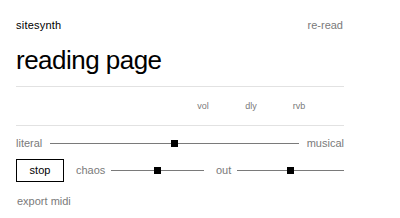
sitesynth popup

Richard Elias

sitesynth

v0.1.0

Turns the page you are on into a song.

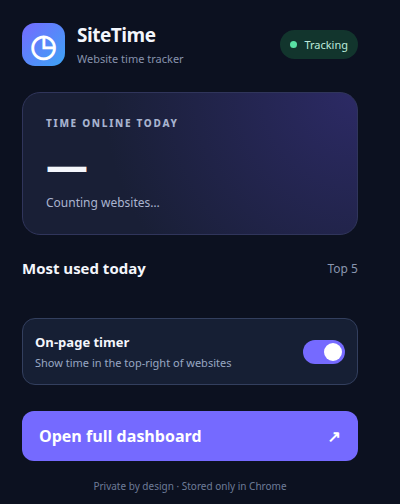
SiteTime popup

Hafsa Shahzad

SiteTime — Website Time Tracker

v1.1.0

Track website time locally and display a hideable timer in the top-right corner of websites.

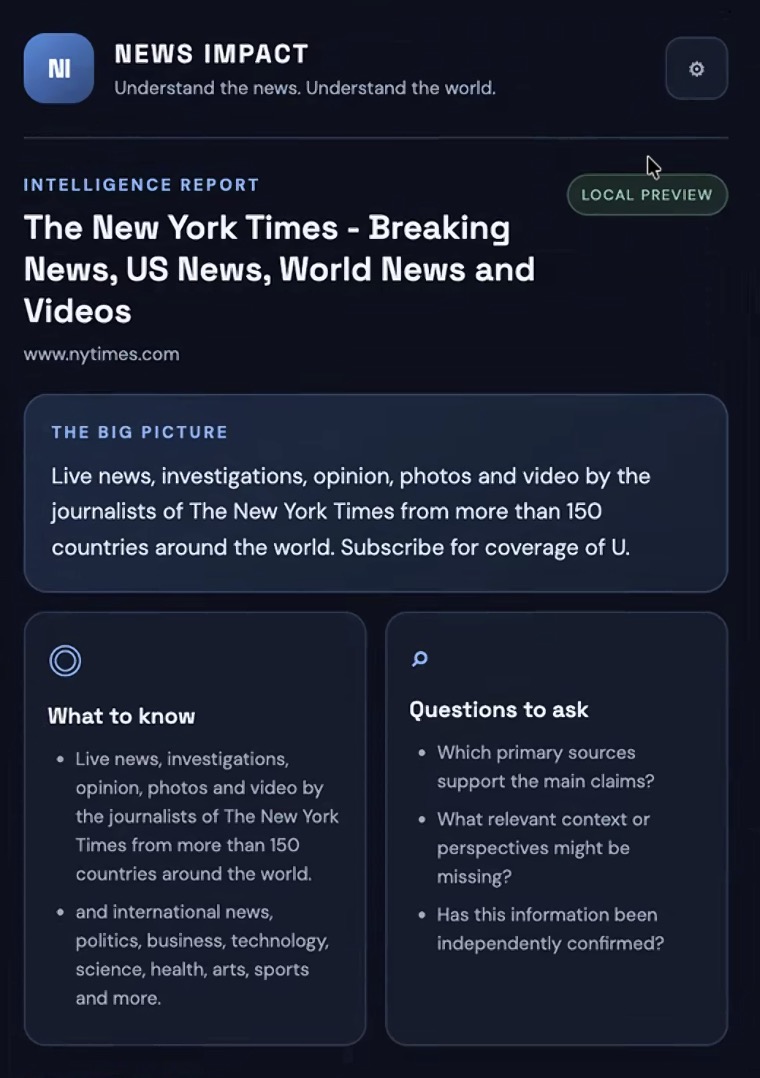
News Impact preview
N

Nelson Veras

News Impact

v0.1.0

It’s a software extension that analyzes data that lets you analyze informations from news website and breaks it down for you.

Marketing Website Analyzer popup
C

Camoya Fletcher

Marketing Website Analyzer

v1.0.0

A simple rule-based marketing audit for the current website.

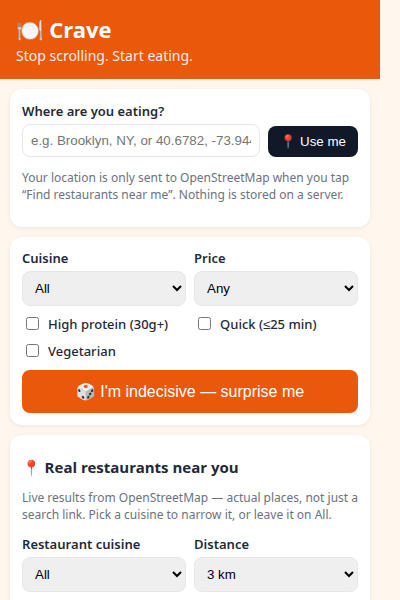
Crave popup

Bianca André

Crave — What to Eat?

v1.1.0

Tracks the foods you like and order most, then suggests what to eat based on your taste and location — with protein, nutrients, allergies, and real nearby restaurants.

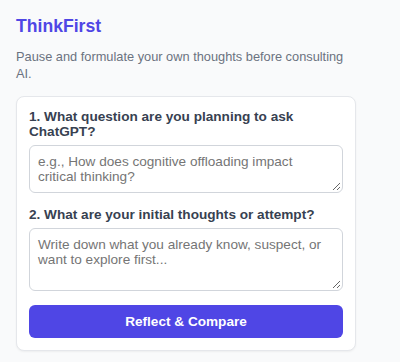
ThinkFirst popup
R

Rokhaya Bakana

ThinkFirst

v1.0

Encourages intentional AI use by guiding users to write down their own initial thoughts before sending queries to ChatGPT.

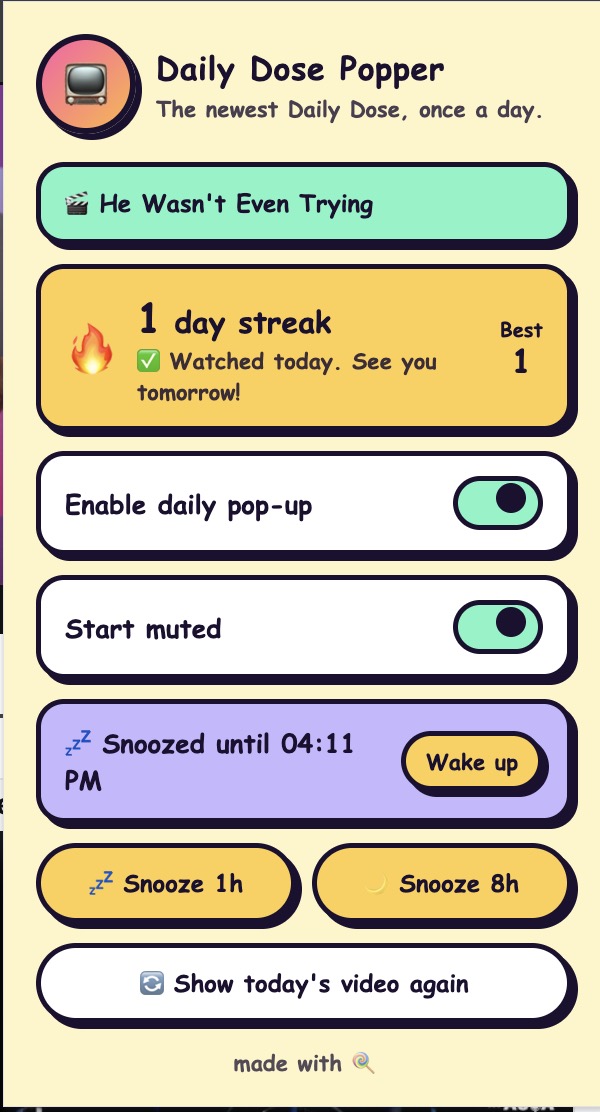
Daily Dose Popper popup

Irving Fernandez Leon

Daily Dose Popper

v2.0.0

Pops up Daily Dose of Internet’s newest video once a day.

ResearchLens popup on a news page — no scholarly metadata found, with an Analyse in ResearchLens button

Elyas Obad

ResearchLens AI

v0.1.0

Detect the academic article you’re reading and send it to ResearchLens AI for transparent critical analysis.